vertcut
- Free, open source
- Pick clips by reading the text
- Your AI agent can do the picking
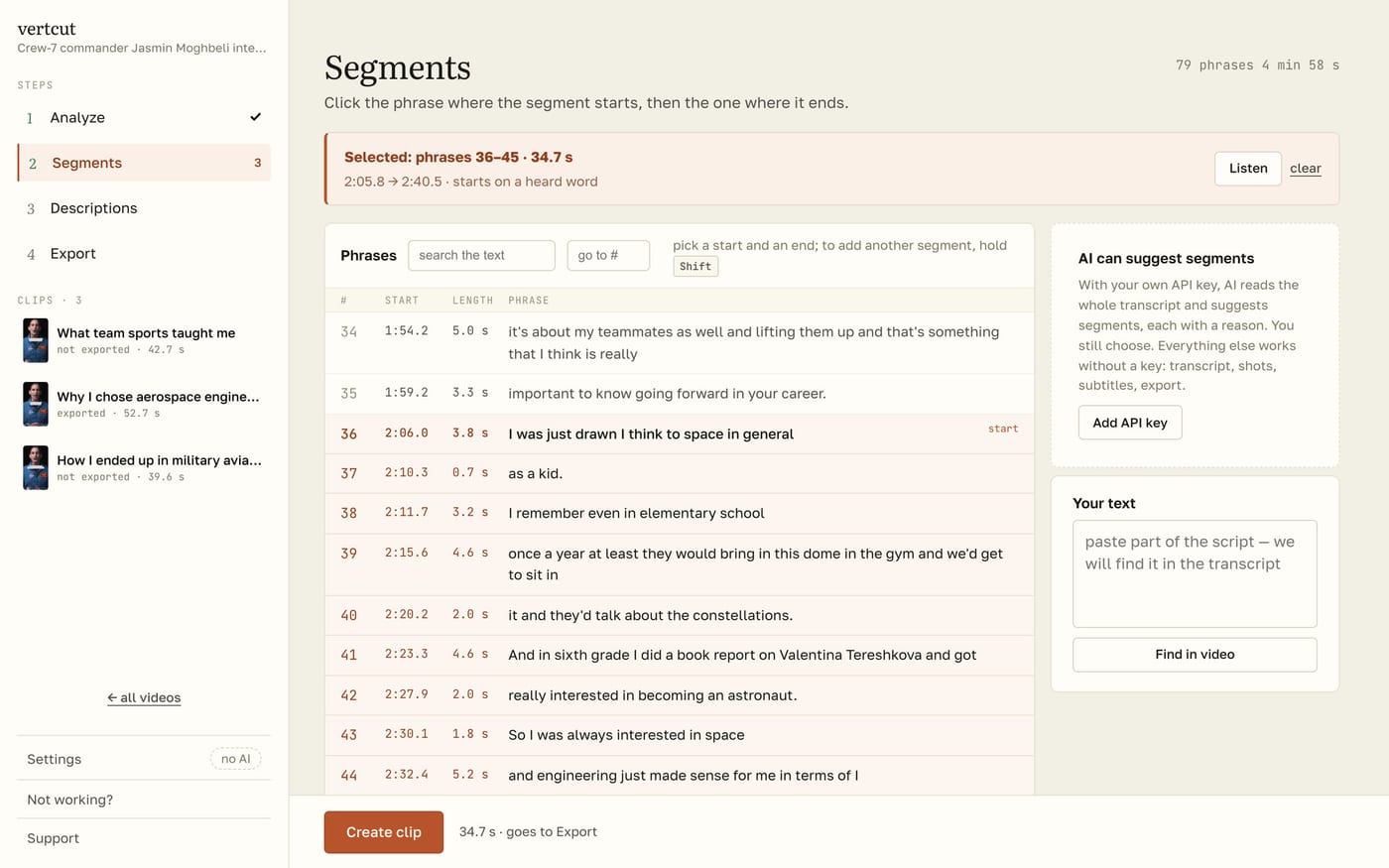
A small app that makes vertical videos — Shorts, TikToks, Reels — out of horizontal ones. It transcribes a long video, cuts it into scenes, picks the shots and writes the subtitles; you choose the good bits right in the text and press Export.
Why
I keep making useful tools for myself and sharing them. vertcut is one I worked on for quite a while: I tested it, used it a lot in my own work, and only then got around to putting it out.
It does one job: it makes vertical videos — Shorts, TikToks, Reels — out of horizontal ones, and makes it a lot faster.
What I did
You load a long video. vertcut transcribes it on its own, cuts it into scenes, picks good shots and makes the subtitles. All that’s left for you is to pick the good bits — right in the text — and press Export. You can also hand the picking to your AI agent.
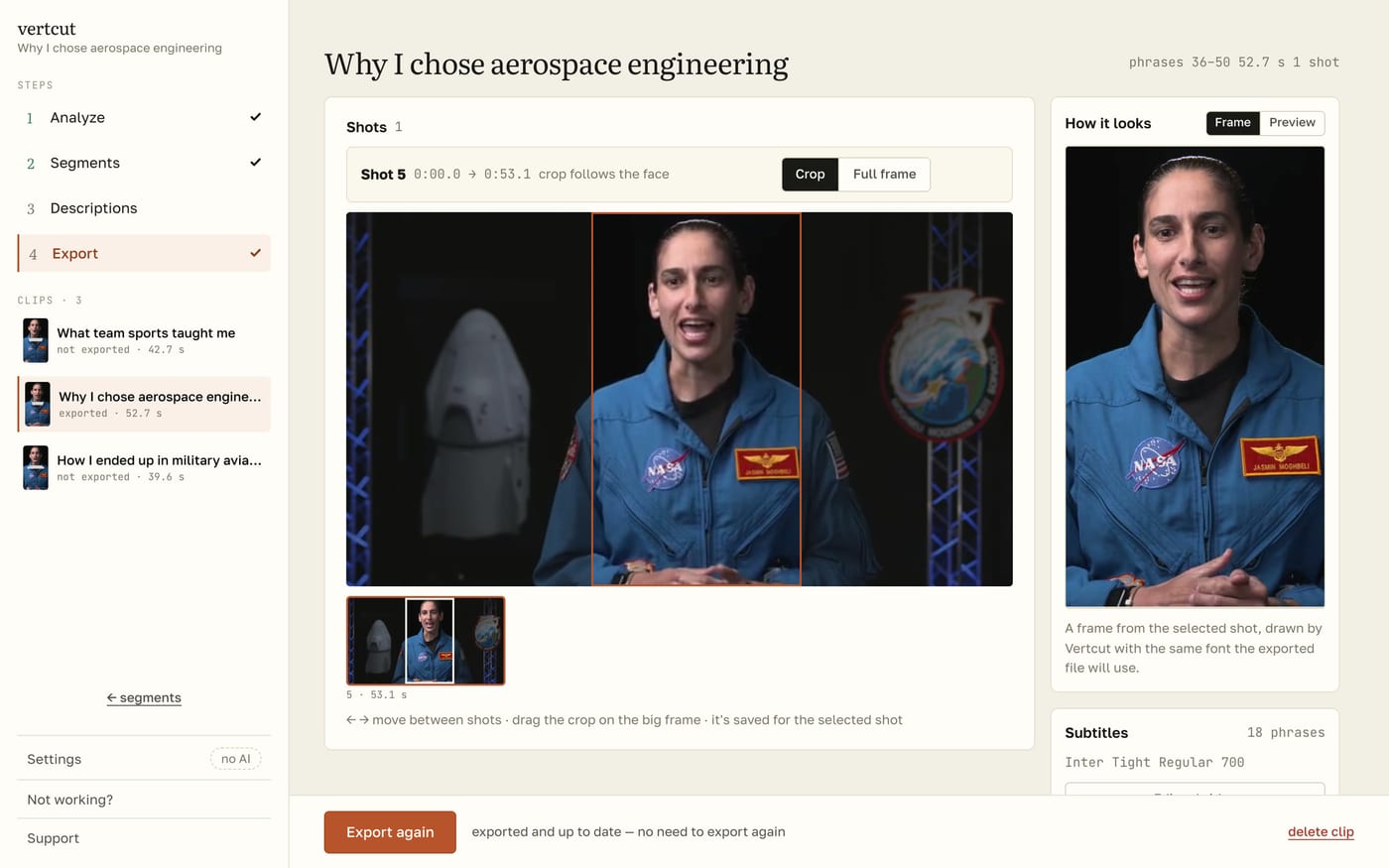
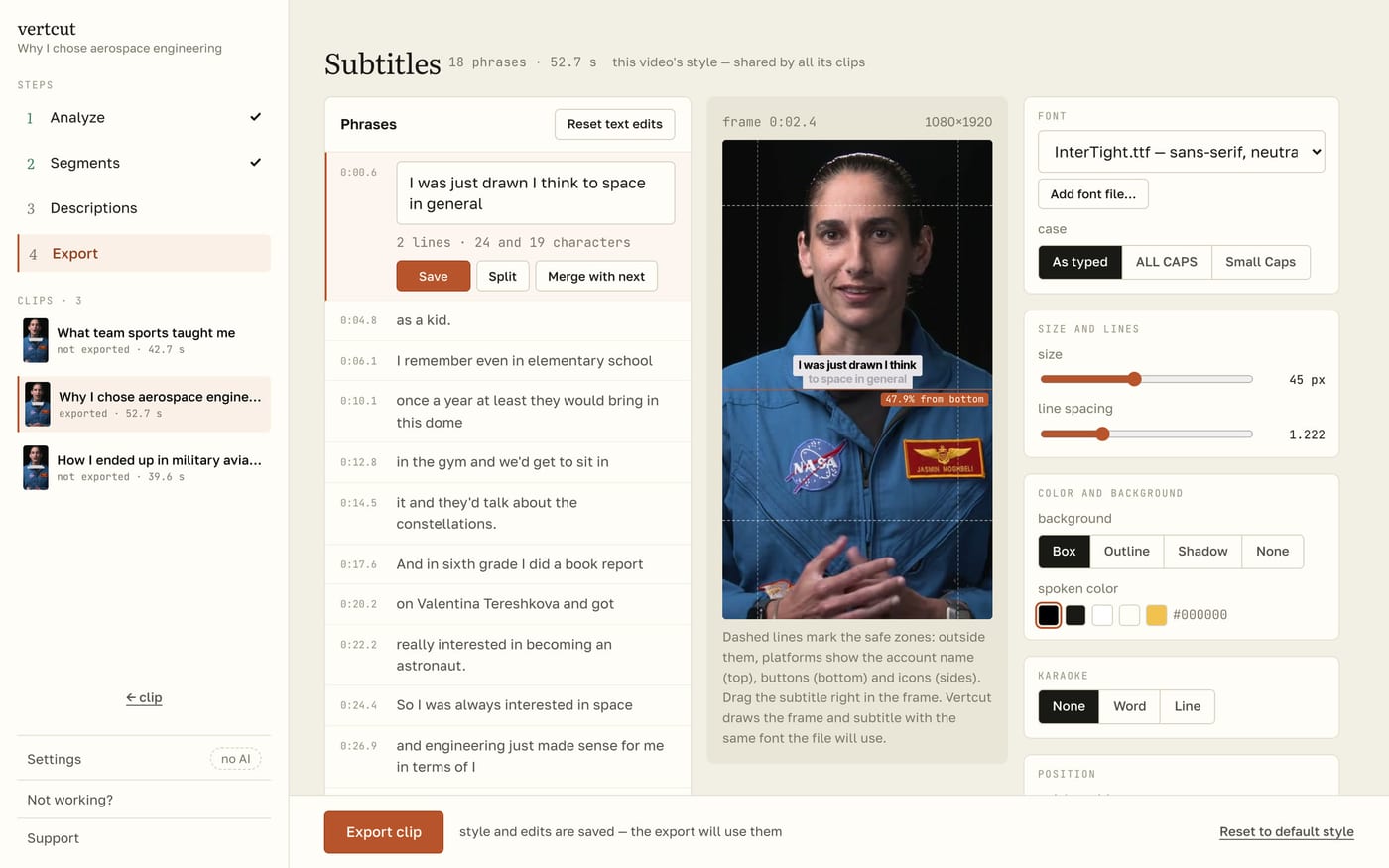
Everything can be adjusted. Each shot can be cropped to vertical or show the whole horizontal frame. The subtitles are yours to tune: position, fonts, a karaoke effect. And at the end of a clip you can add an end card with a line of text and the cover of your long video, to send viewers to it.
After the release I kept adding things that turned out to be really useful. Your AI can now check the subtitles too, not only pick the clips and write descriptions for them. It fixes grammar, names and titles, and you accept the fixes with one button in the subtitles tab. How well it works depends on your model — in my tests it works great. And any clip can now be rendered with no subtitles at all, with the preview to match; if you like, that can be the default for every future clip.
What came out
vertcut is completely free. You can download it on GitHub, where the guide describes several ways to install it. If it saves you time, I’ll be glad of a donation on Ko-fi.